
Tutorial Project: Nº2 - How to paint components
-
Thanks guys : )
-----------------------------------------
Hi Everyone,
Today we have the fan controller tutorial, in this specific case, a Lamptron FC3, I´ve chosen this one for two reasons, first, because it follows a structure design that most controllers follow, simple controls, mounted on a 5.25" bay with front plate and pcb so you can use this tutorial for the fan controller of your choice in most cases. Second, because of the build quality of Lamptron´s controllers so I know it´s not going to fall apart when trying to modify it, be it paint wise or deeper modification.
So let´s start, here´s the FC3 by Lamptron.
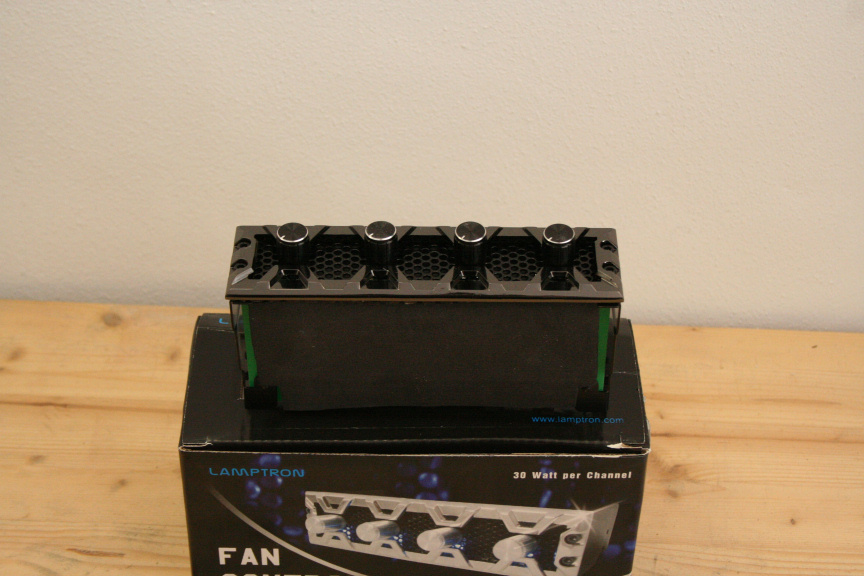
Because I will only be painting the front in this case as the side is to short to be visible within the top bay of the case, I won´t be taking out the pcb, but just in case you want to do it in yours, most follow the same design, two screws.
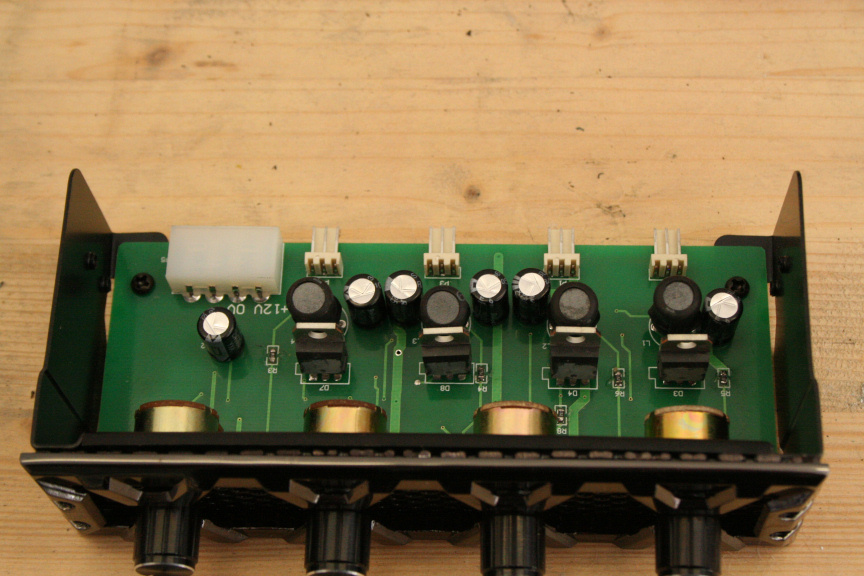
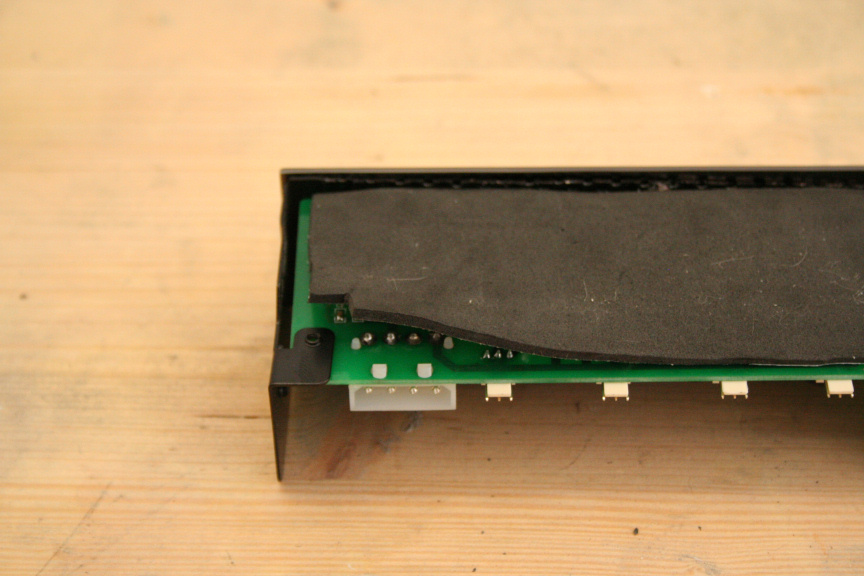
If you use a Lamptron fan controller you´ll notice that the bottom part of it is covered for protection, however if you´re carefull enough you can slowly peal it off in order to dismantle it.
Back on track, to remove the front we need to remove all 4 screws that hold the faceplate on.
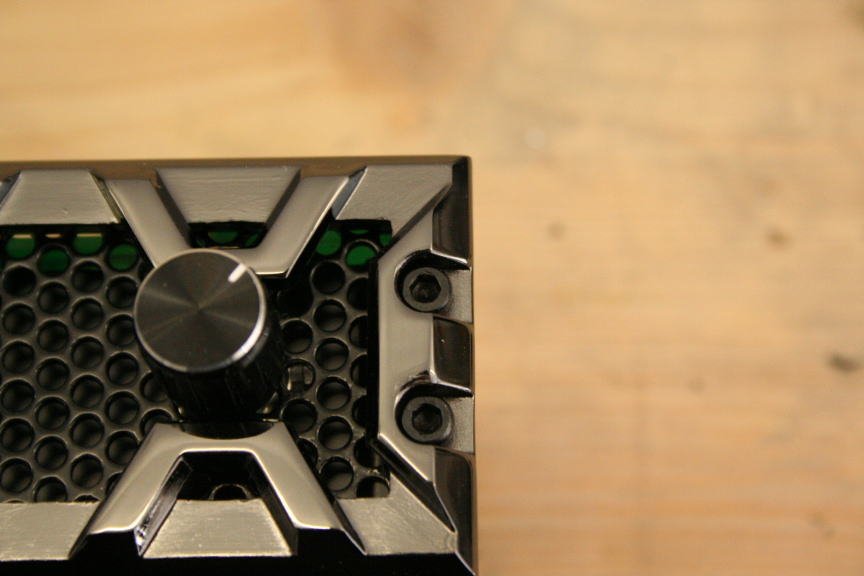
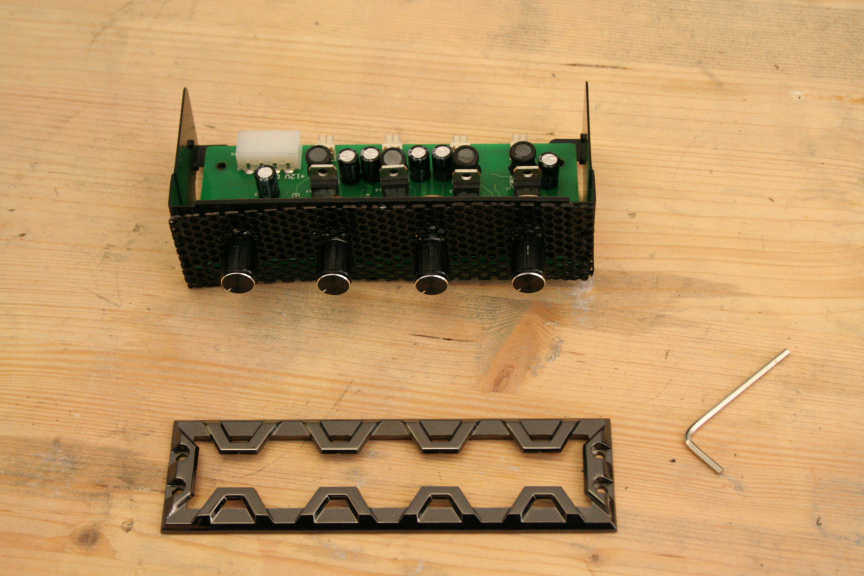
I quite like the black mesh for contrast so I´m leaving it on for now. I chose the black edition of the FC3 as it´s anodyzed alum which means we can paint it, non anodyzed alum will give you trouble as paint has more trouble staying on and it´s likely that it will peal off eventually.
So we aply a coat of primer, for paint types and techniques, reffer to the first post on this thread for a link to the main tutorial post in which I talk about the types, techniques and ways of aplying paint.
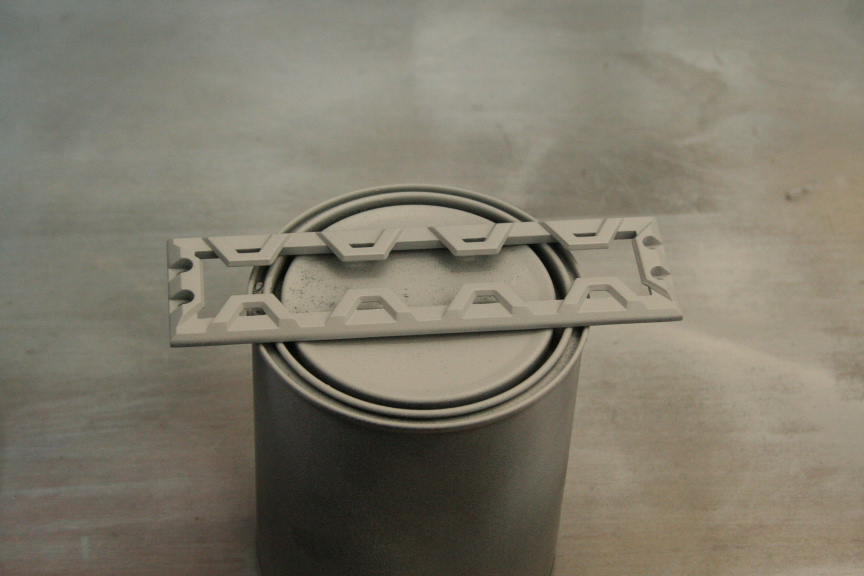
We wait 20 mins and we´re good to go to aply the first coat of color, then wait another 20 mins and aply the second coat (sometimes one coat is enough, but in the case of white you really want to use 2 coats at least to get a nice solid white color. We wait 30 min and we aply the clear coat lacquer and we let it cure for 24h.
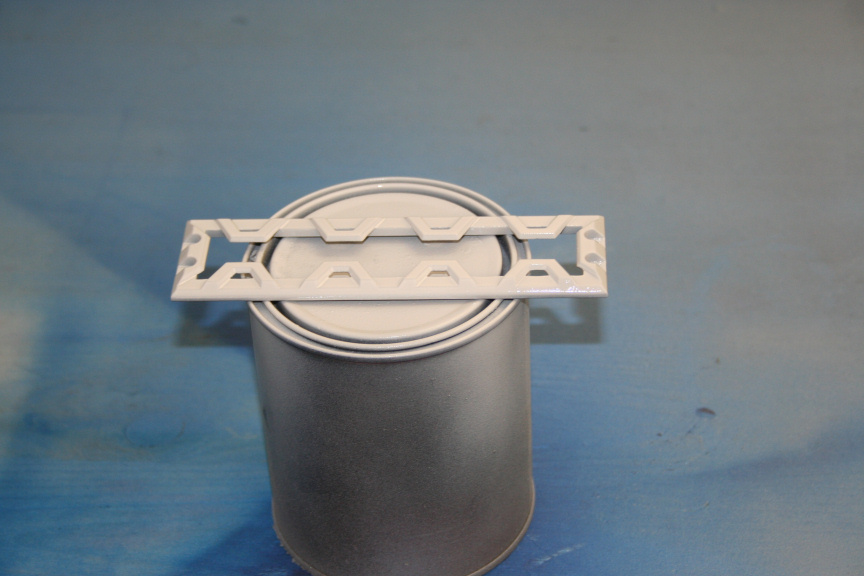
Right, let´s mount it and see how it looks.
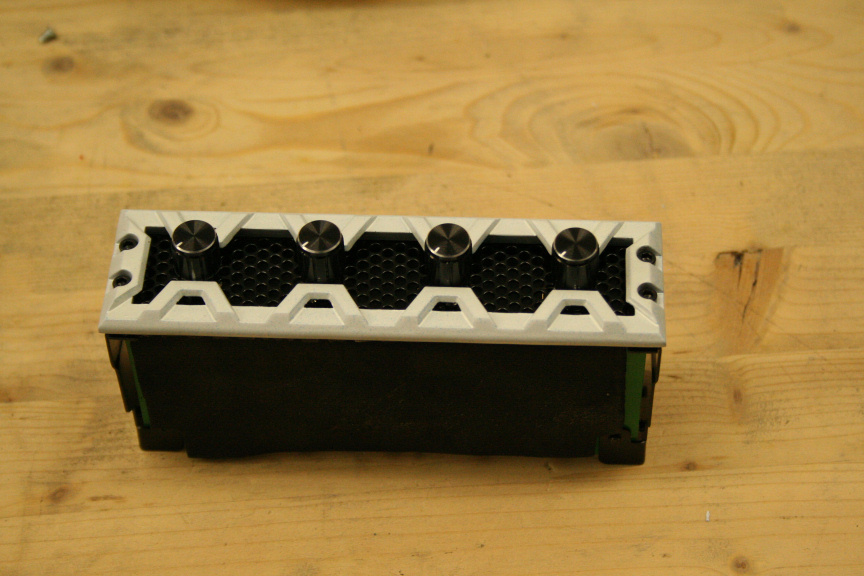
I like it but... hmm it just doesn´t go with the rest of the look, so I´m going to go ahead an take it apart again and paint the mesh blue. Repeat the paint process on the mesh. Now I´ve put it back togueter and...
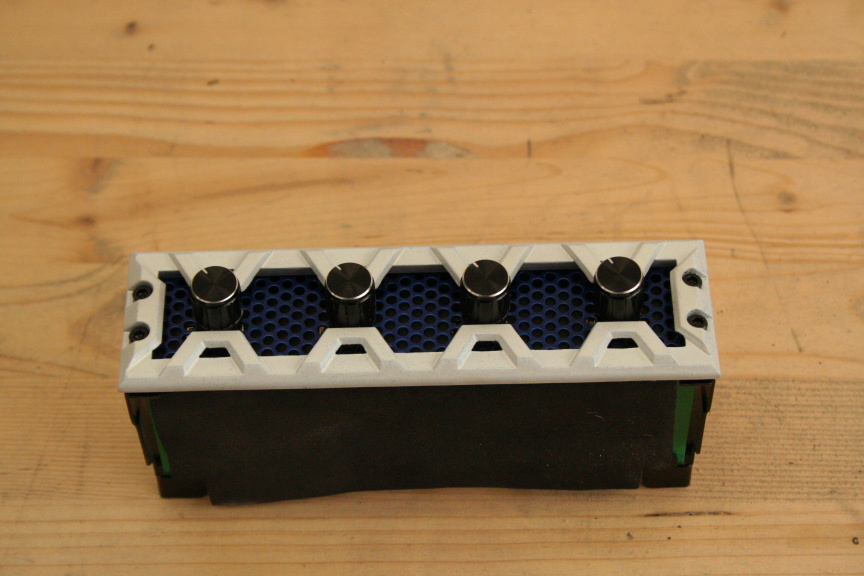
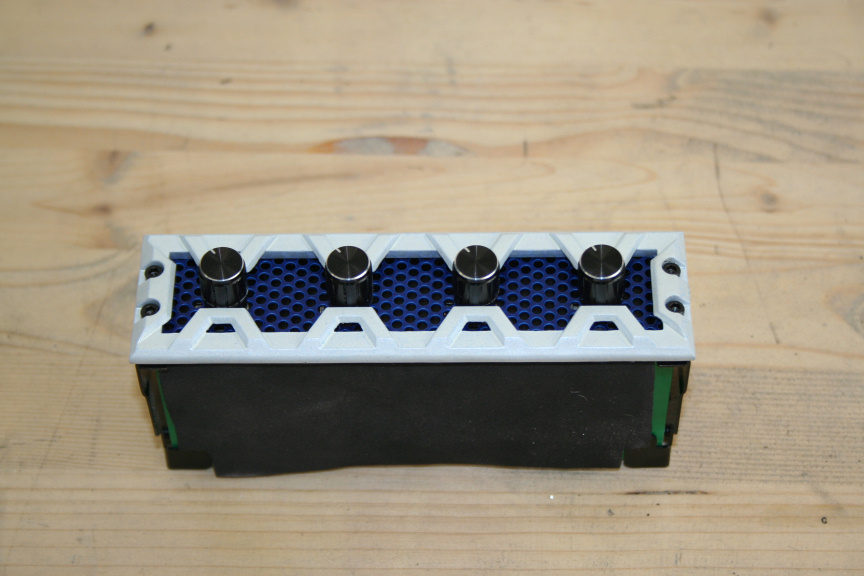
...much better.
Next part will be the Graphics card.
-

-
For the purpose of this tutorial I will be using a 9800 GTX I normally use as a spare. Please have in mind that, as with most of these, following these steps will void your warrantee.
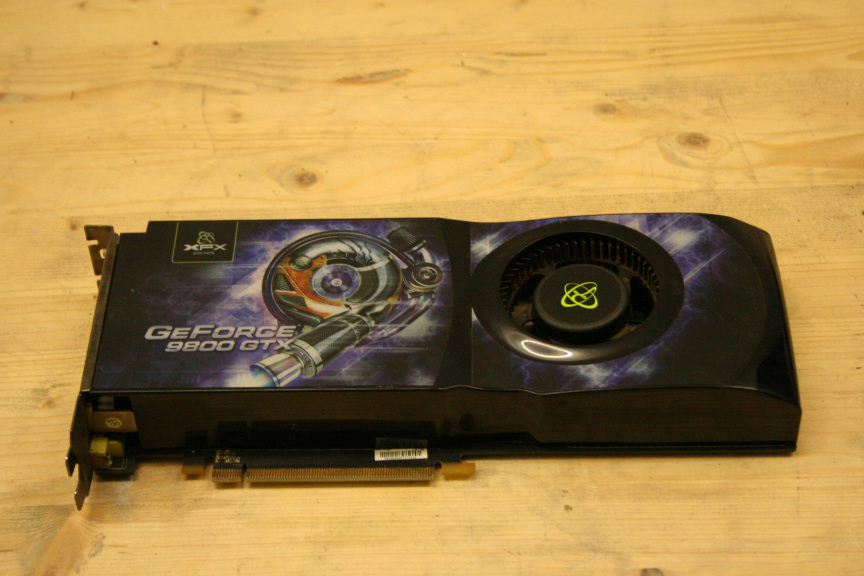
The first thing is taking the gpu apart, we need to remove all the screws in the back. Have in mind that this may vary depending on the brand of the card, there may be other screws, hooks, cables, etc, so do not force it open if it doesnt easily (although if the card is very old and very dirty it may seem as it´s still hold down by another screw when really it´s just the thermal paste).
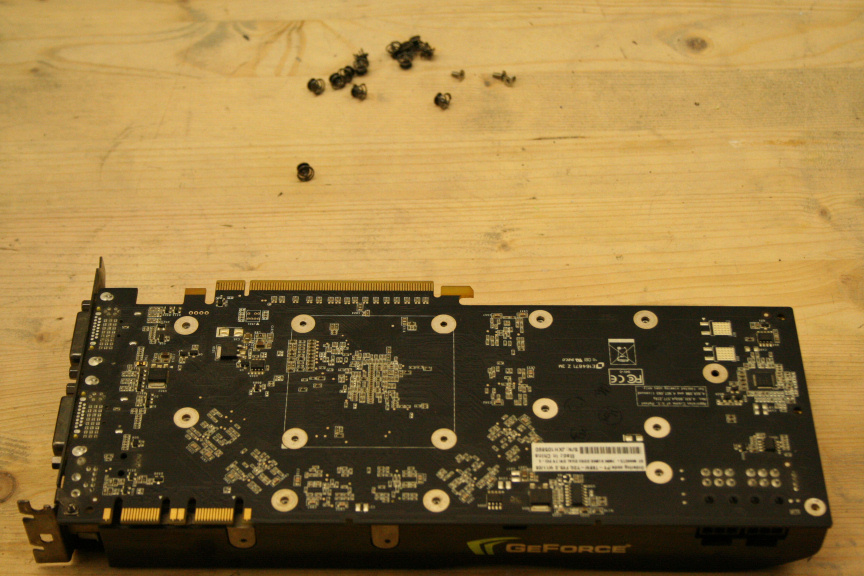
Once that is done we need to remove all stickers and clean the surface.
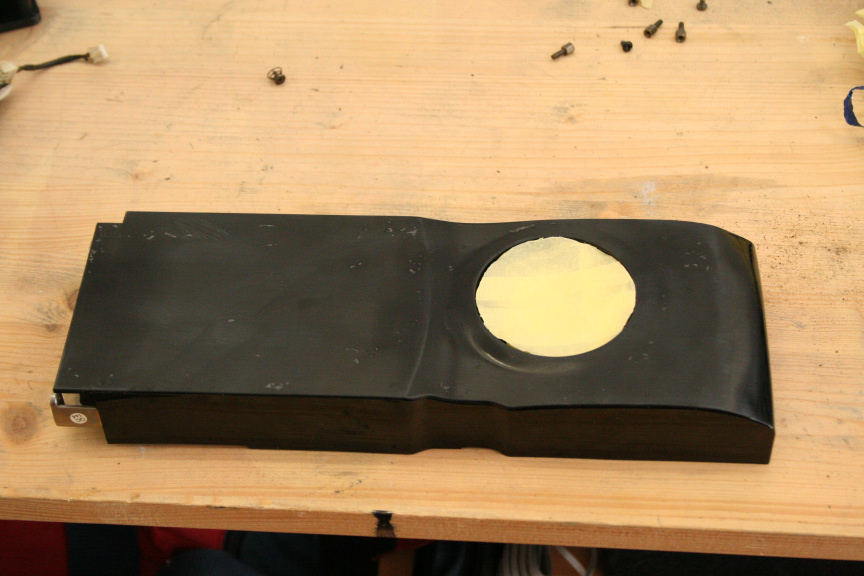
This really depends on the card itself, sometime you may get lucky, others... well... let´s just say I spent a few hours cleaning and sanding down this one.
The next step is to paint it, for paint techniquest, preparation, types and so on, check the first post of this thread which links to the main tutorial thread where all this is explained in detail.
Once ready, we put it all togueter again. Remember to remove the old thermal paste and aply some new one. About the trim, that´s really up to you if you want to change it. In my case it seemed in decent enough shape so didn´t bother changing it.
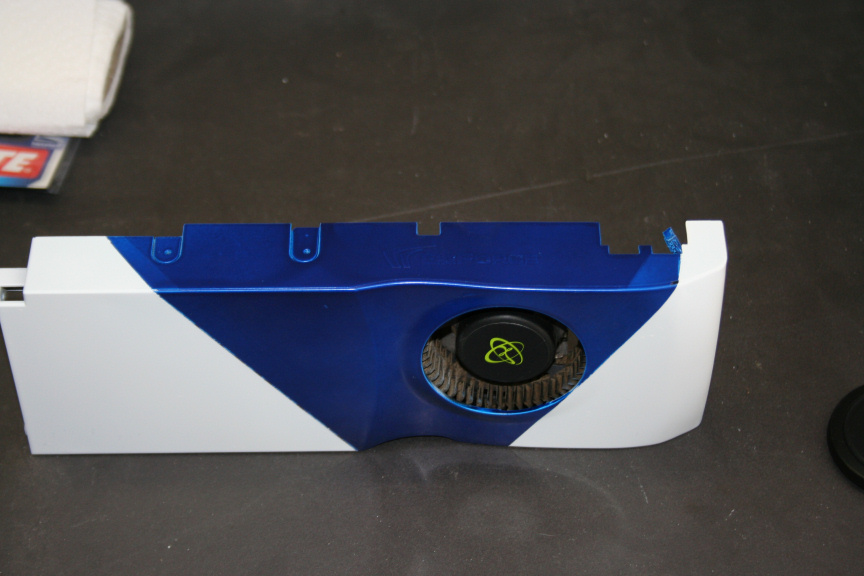
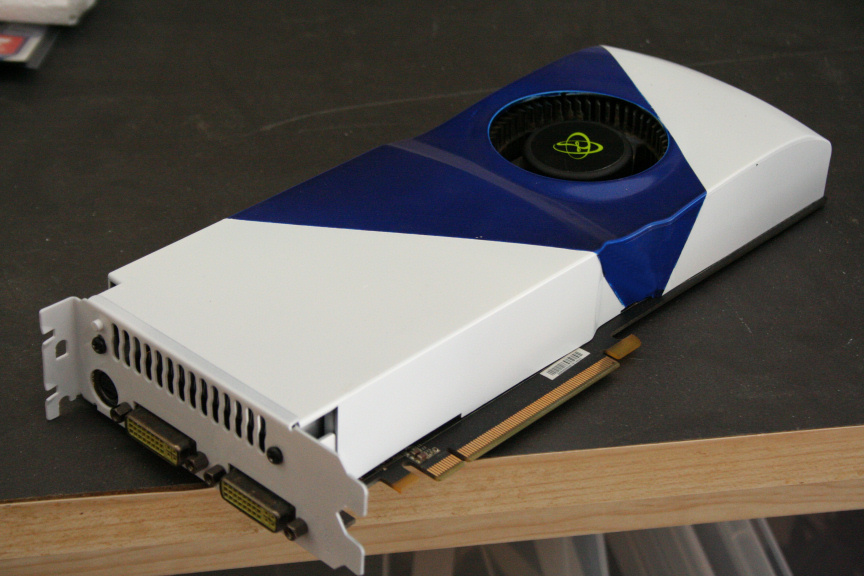
Up Next,
The Antec 620 H2O CPU Cooler
-
nice work man!
-
thanks mate! : )
-
well done
-
It´s time for the Antec 620 H2O CPU Cooler.
First thing´s first, let´s unpack it as it´s brand new.
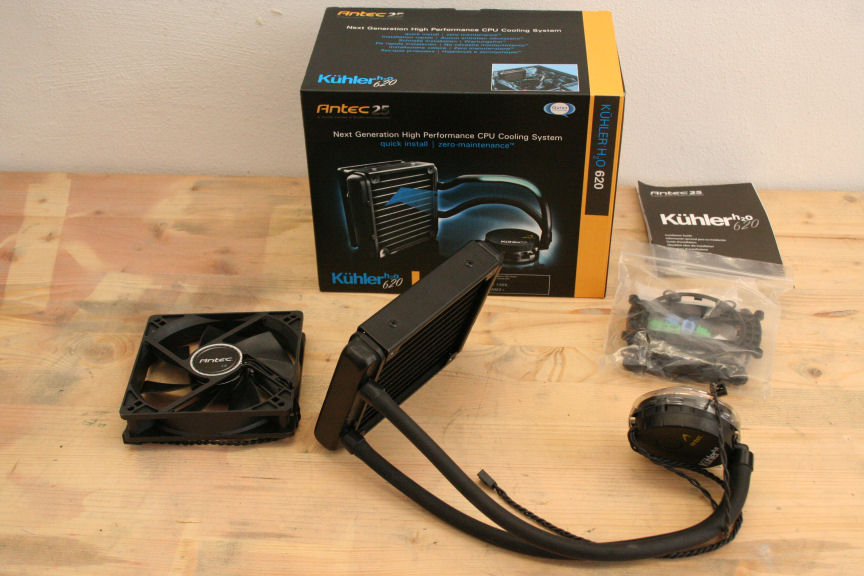
Right this is provably the most simple part to prep, what I´ve done here is, using masking tape I´ve covered all the piping and instead of covering the cpu cooler itself, I´ve wrapped a plastic bag around. I know it may sound stupid but check the bag hasn´t got any holes!
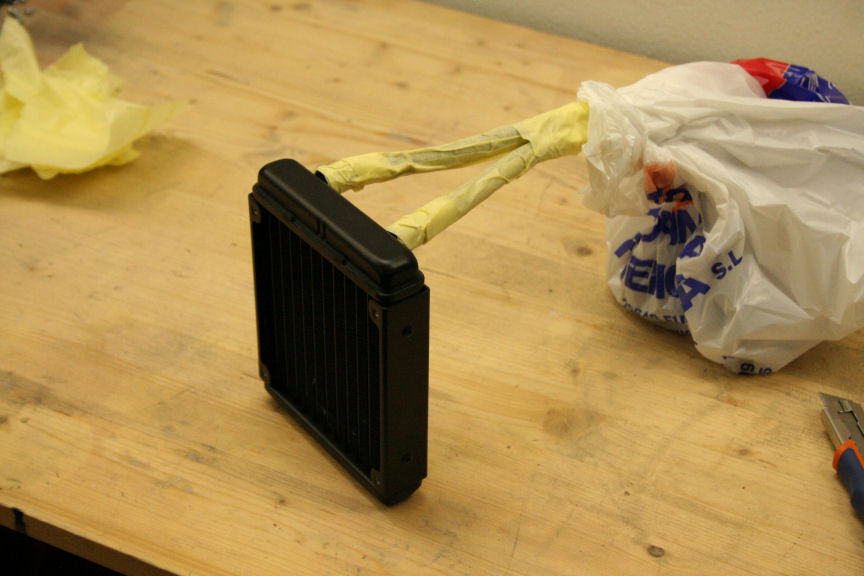
I´ve cleaned it even though it´s new, we don´t want any dust particles on the surface. For paint types, techniques, waiting times and so on check the first post of this thread which has a link to the main tutorial thread where everything is explained in detail. Do feel free to ask if you still have doubts after that though.
Once dry, I´ve removed all the taping and done! Ready to go in!
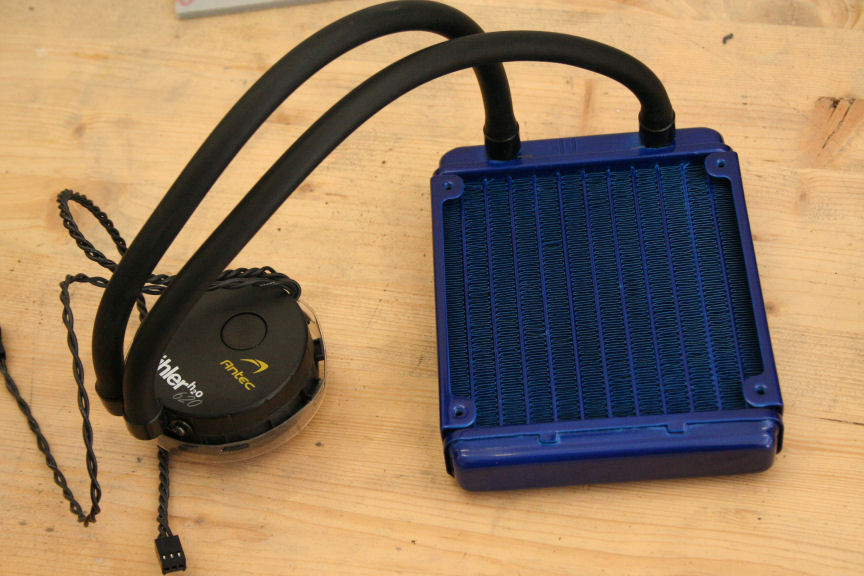
Next up, the power suply (at the time of writing I´ve bought a more powerfull PSU as the one I had for this project doesn´t cut it for the gpu, so even though I painted it and it works, I´ll be posting a tutorial with the new PSU so the next post will remain "reserved").
-
* RESERVED FOR PSU GUIDE TUTORIAL *
-----------------------------------------
With this we finalize the how to paint components thread and we go back to the main thread to continue with the build.
http://www.xtremehardware.com/forum/f51/tutorial_project_n_2_a-31265/index5.html
-
Waiting for the assemblage.

-
it´s actually been done since 3 days ago, just spreading the posts to give it a bit more exposure : D I hope you guys will like it!
If all goes well I´ll be starting the new main mod this week coming, running out of time for the mod n roll contest!!!! :S
-
congratulatin
-
thanks tom!
-
Ciao! Sembra che tu sia interessato a questa conversazione, ma non hai ancora un account.
Stanco di dover scorrere gli stessi post a ogni visita? Quando registri un account, tornerai sempre esattamente dove eri rimasto e potrai scegliere di essere avvisato delle nuove risposte (tramite email o notifica push). Potrai anche salvare segnalibri e votare i post per mostrare il tuo apprezzamento agli altri membri della comunità.
Con il tuo contributo, questo post potrebbe essere ancora migliore 💗
Registrati Accedi