Salta al contenuto
  • Categorie
  • Recenti
  • Tag
  • Popolare
  • Utenti
  • Gruppi
Collassa
Logo del marchio
  1. Home
  2. Modding e galleria
  3. Modding
  4. Tutorial Project: Nº2

Tutorial Project: Nº2

Pianificato Fissato Bloccato Spostato Modding
47 Post 0 Autori 4.6k Visualizzazioni
  • Da Vecchi a Nuovi
  • Da Nuovi a Vecchi
  • Più Voti
Rispondi
  • Risposta alla discussione
Effettua l'accesso per rispondere
Questa discussione è stata eliminata. Solo gli utenti con diritti di gestione possono vederla.
  • L Non in linea
    L Non in linea
    Luciel
    scritto su ultima modifica di
    #37

    soon enough, cheers! : )

    1 Risposta Ultima Risposta
    0
    • L Non in linea
      L Non in linea
      Luciel
      scritto su ultima modifica di
      #38

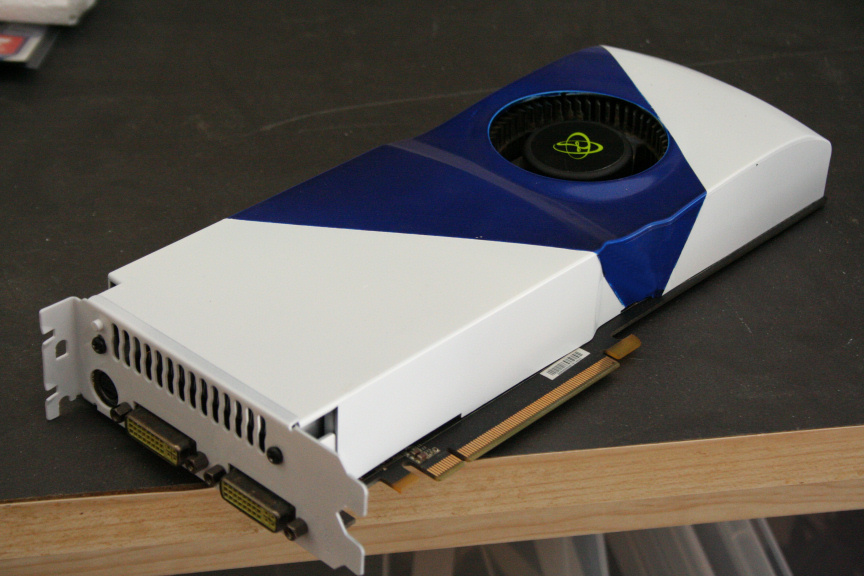
      Added the GPU tutorial to the components thread:

      http://www.xtremehardware.com/forum/f51/tutorial_project_n_2_how_paint_components-31445/

      Here´s the finished look:
      5.JPG

      1 Risposta Ultima Risposta
      0
      • T Non in linea
        T Non in linea
        tom1
        scritto su ultima modifica di
        #39

        very cool , but why don't paint the dvi port ?

        1 Risposta Ultima Risposta
        0
        • L Non in linea
          L Non in linea
          Luciel
          scritto su ultima modifica di
          #40

          I never really thought about it to be honest tom1, but regardless I guess it would easily get scratch when plugging things in or out?

          1 Risposta Ultima Risposta
          0
          • T Non in linea
            T Non in linea
            tom1
            scritto su ultima modifica di
            #41

            had an idea to aesthetic

            1 Risposta Ultima Risposta
            0
            • O Non in linea
              O Non in linea
              One1ros
              scritto su ultima modifica di
              #42

              Very nice! O0

              1 Risposta Ultima Risposta
              0
              • L Non in linea
                L Non in linea
                Luciel
                scritto su ultima modifica di
                #43

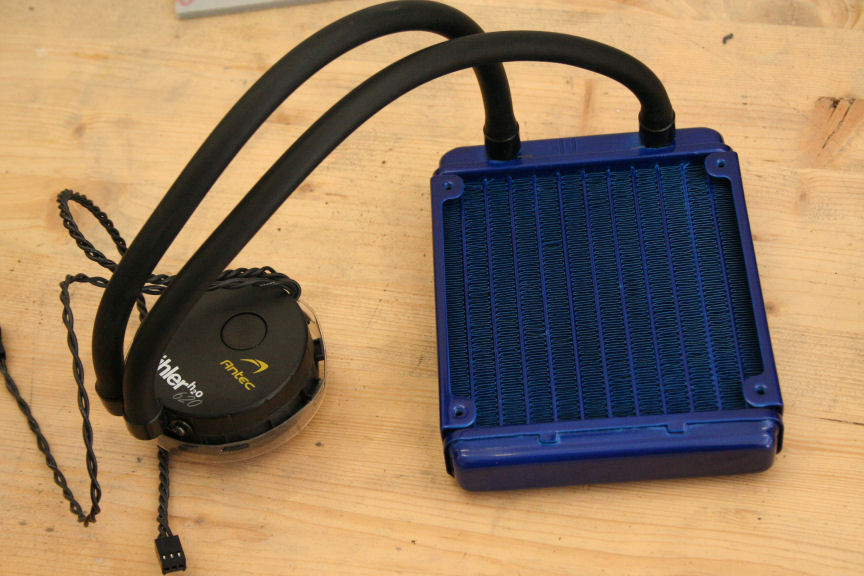
                Added the Antec 620 H2O CPU Cooler Tutorial to the components thread:

                http://www.xtremehardware.com/forum/f51/tutorial_project_n_2_how_paint_components-31445/index2.html

                Here´s the finished look:
                3.JPG

                1 Risposta Ultima Risposta
                0
                • L Non in linea
                  L Non in linea
                  Luciel
                  scritto su ultima modifica di
                  #44

                  * RESERVED FOR PSU GUIDE TUTORIAL *

                  -----------------------------------------

                  With this we finalize the how to paint components thread and we continue here on the main thread with the build.

                  1 Risposta Ultima Risposta
                  0
                  • T Non in linea
                    T Non in linea
                    tom1
                    scritto su ultima modifica di
                    #45

                    look very nice, and thanks for tutorial

                    1 Risposta Ultima Risposta
                    0
                    • L Non in linea
                      L Non in linea
                      Luciel
                      scritto su ultima modifica di
                      #46

                      Thanks tom1 and you´re welcomed! : )

                      1 Risposta Ultima Risposta
                      0
                      • L Non in linea
                        L Non in linea
                        Luciel
                        scritto su ultima modifica di
                        #47

                        Final post before the end result : )

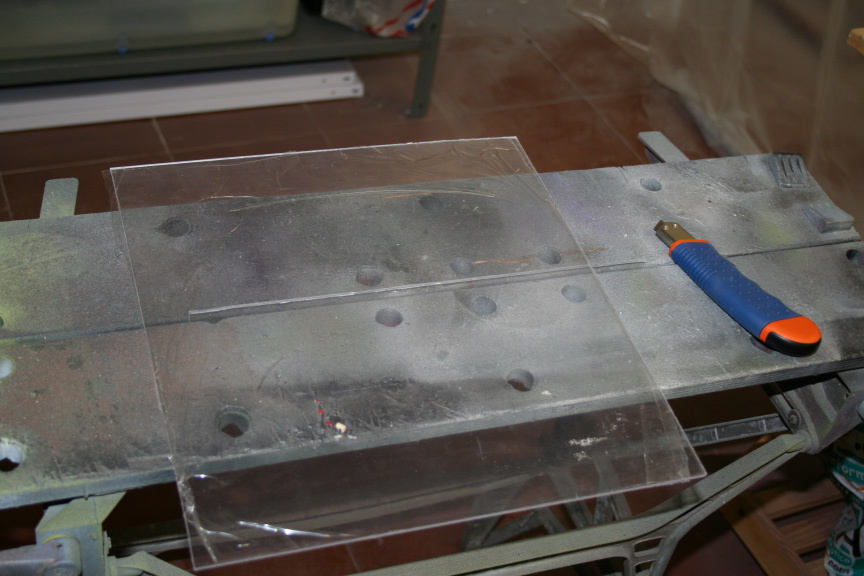
                        Today we´re going to do the windows. The material you need to use is plexyglass, it´s cheap enough to buy and you can normally find it in any building supplies or DIY store, I payed for a piece big enough to do 3 side windows on this case 12€ Have in mind there are two types, the normal one and the one prepared for exterior which is a lot more expensive and we don´t need so go for the first one.

                        Do not cut it with any sort of power tool as it will melt like plastic and make an awfull mess and you´ll find you will spend more time cleaning the piece up than if you cut it using a different method. A cutter for example (a decent one) will do the job. I find that to get a straight line, a metallic ruler does the job but of course feel free to use anything you feel comftable with to get a straight line.

                        So yeah, do a few runs with the cutter until you can see from the plexy border that you´re about at least half way there. Then you can bend it both ways (with care) until it snaps and you will have a clean cut. If need me you can sand the border down.

                        It goes without saying that you will have to measure the piece before you cut it so you know how big it needs to be. Have in mind to leave a decent space on each side if you´re going for as big a window as possible or you´ll find it prevents the side from closing on the case.
                        39.JPG

                        Once we have our piece ready we need to attach it from the inside side of the side panel. There´s several ways of doing this but I find the cleanest way is using decent double sided tape, for example, the 3M one is extremely strong and will do the job just find.
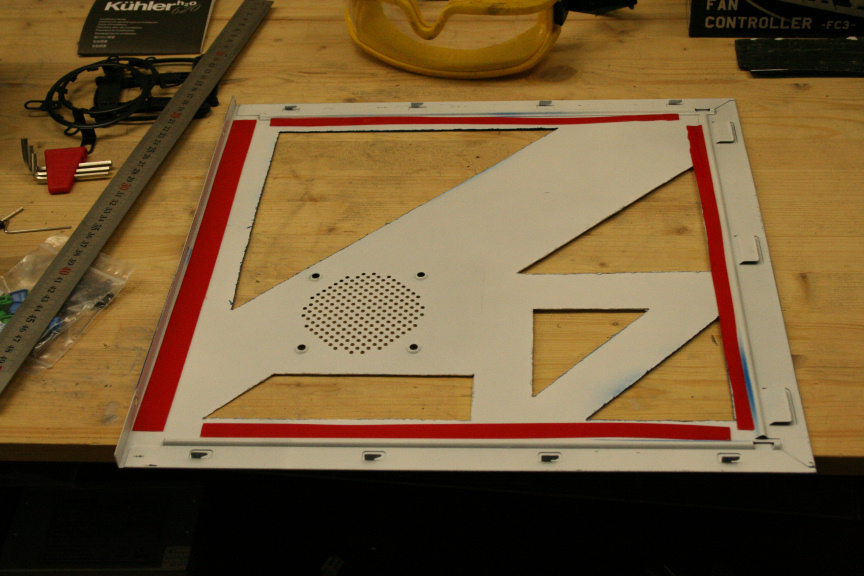
                        40.JPG

                        And we´re done, we can repeat the process for any and all windows on our case.

                        On a final note, if you decide you want to mount a fan if your sidepanel has the grill to do so, I would suggest you fit the window first (without the tape) and then measure where you need to cut to fit the fan. Personally I won´t be fitting a fan, I checked I didn´t need to temps wise and as a personal taste decision, I preffer it without one.

                        1 Risposta Ultima Risposta
                        0
                        • L Non in linea
                          L Non in linea
                          Luciel
                          scritto su ultima modifica di
                          #48

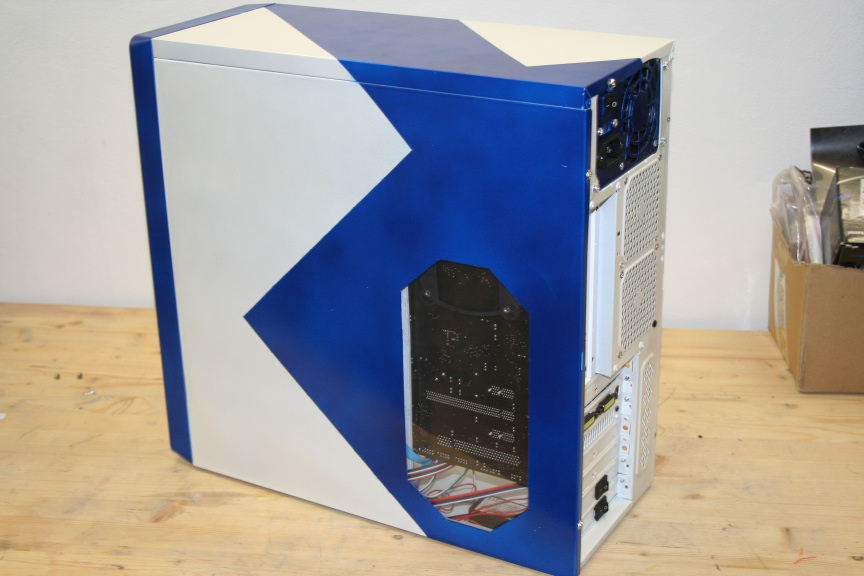
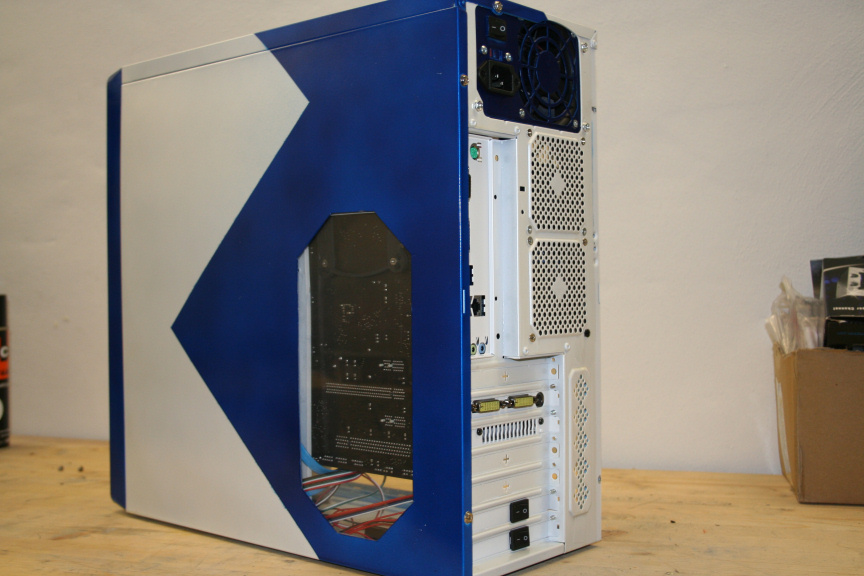
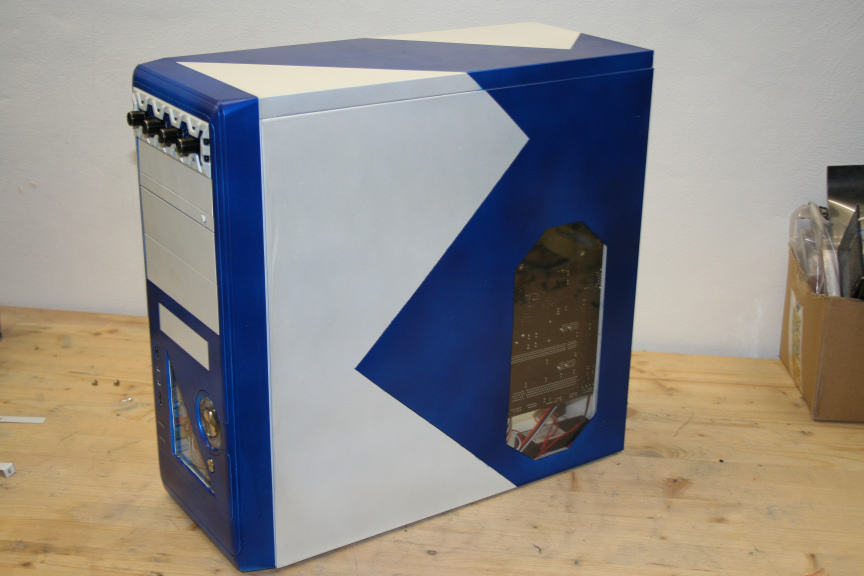
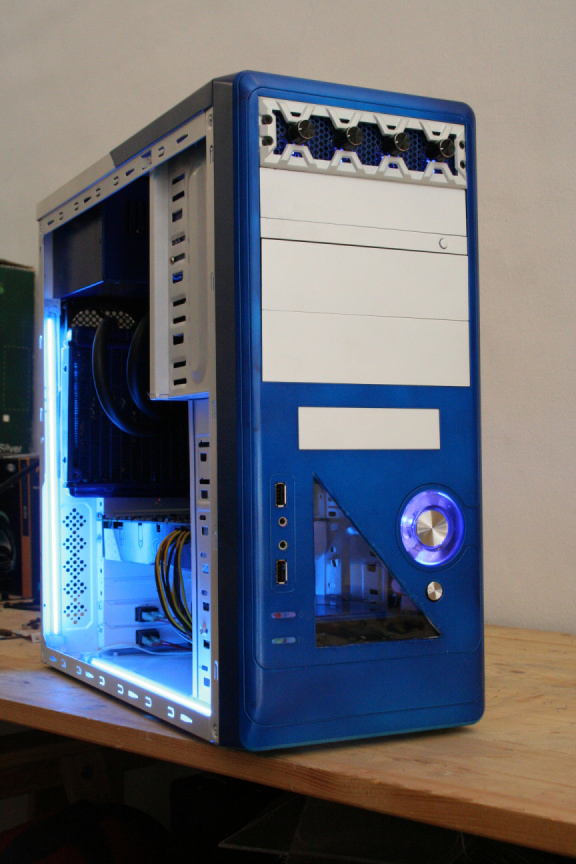
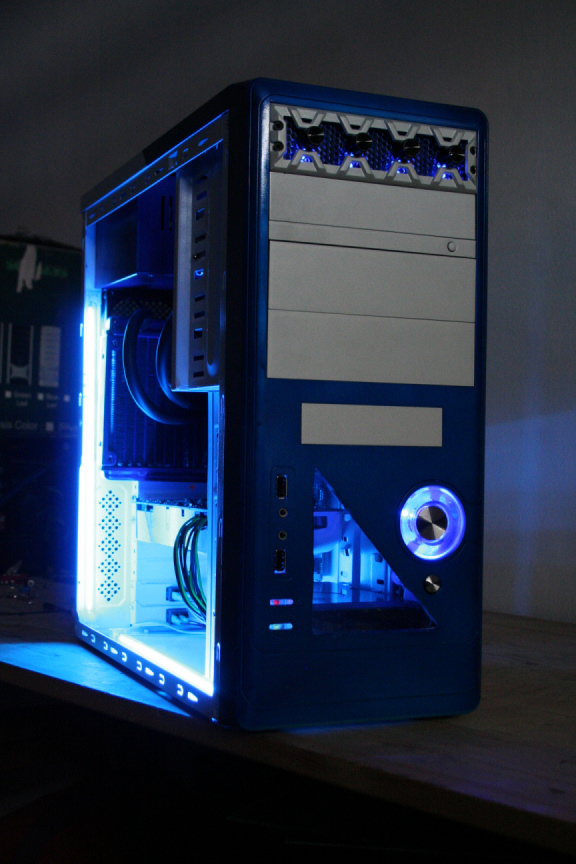
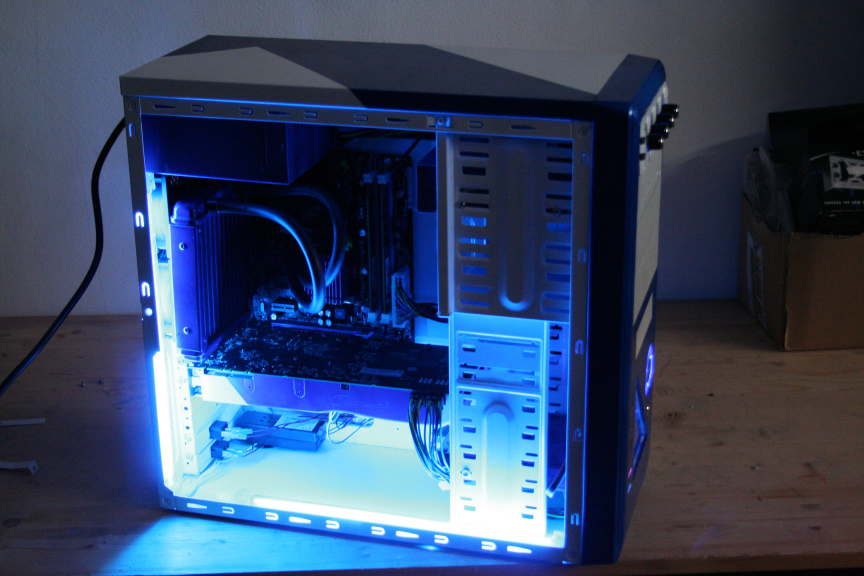
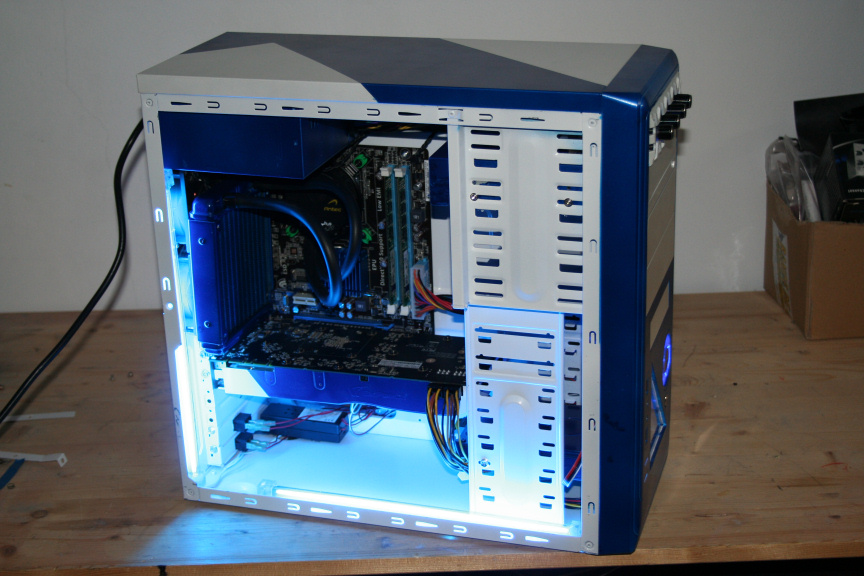
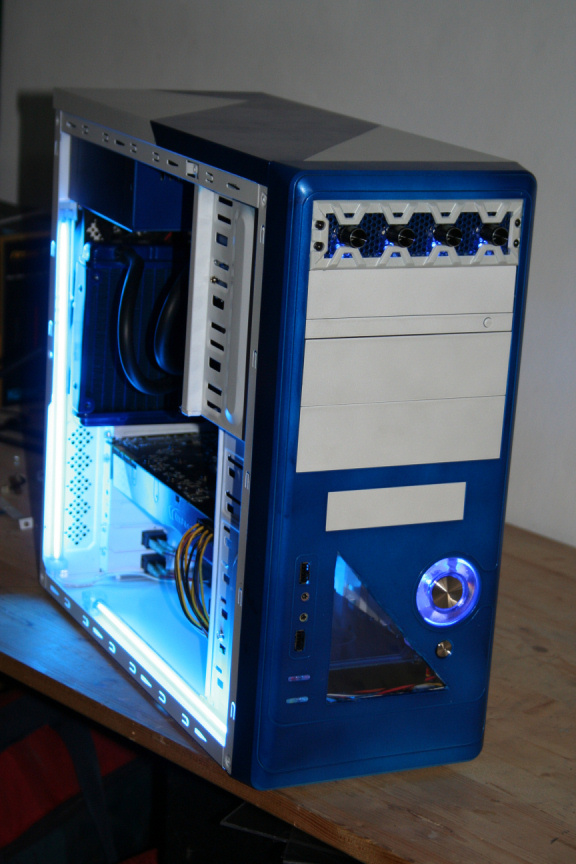
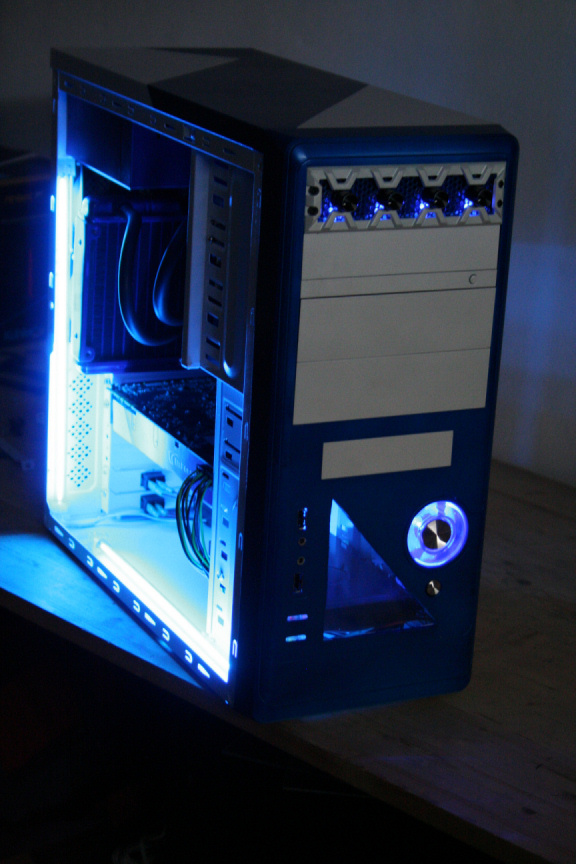
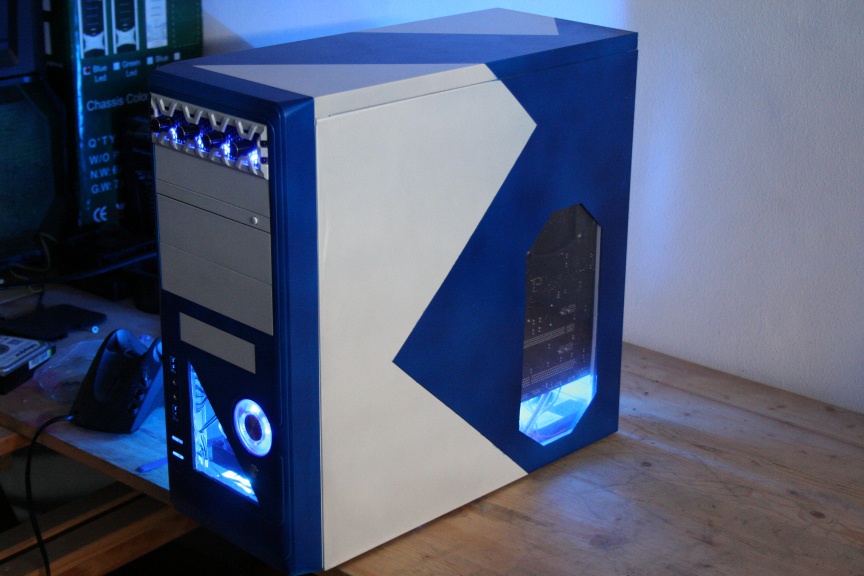
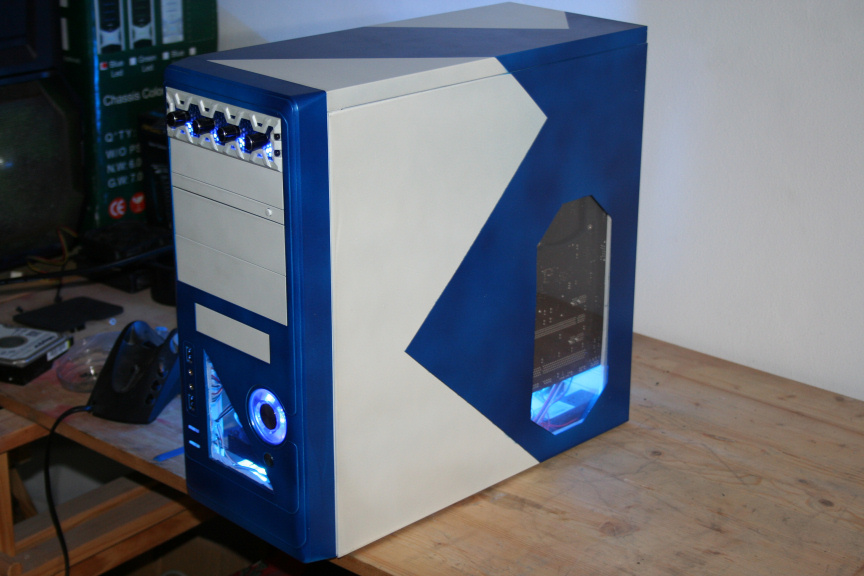
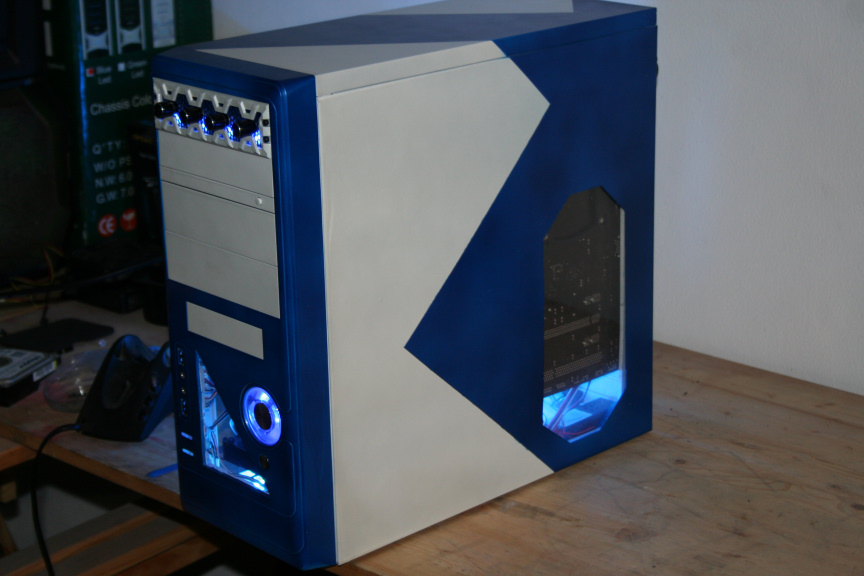
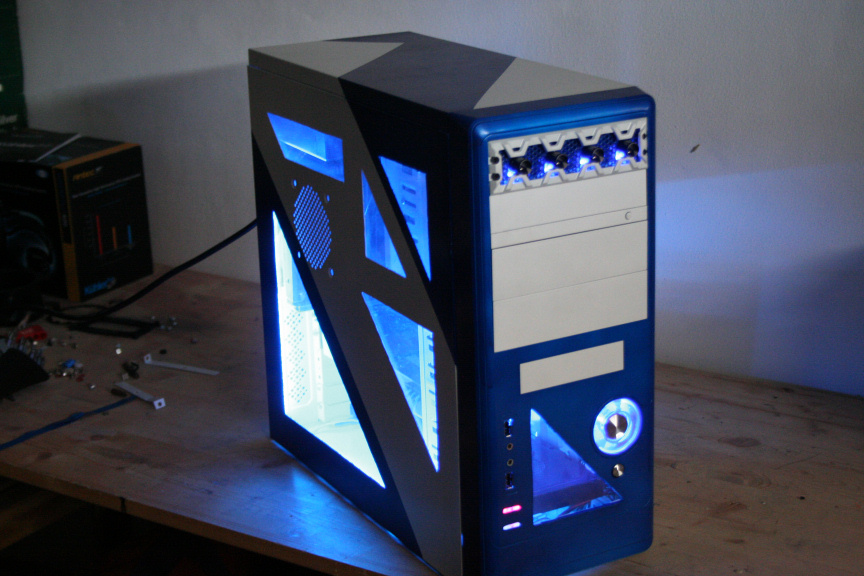
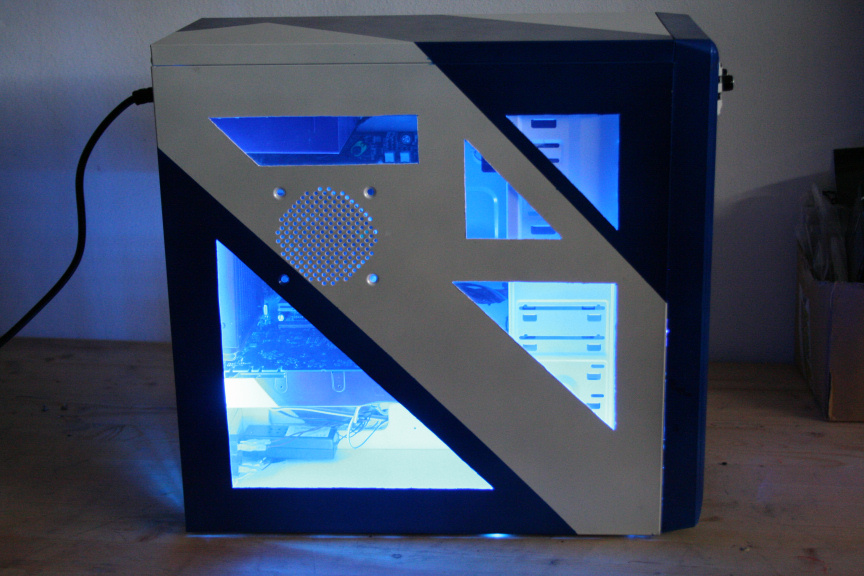
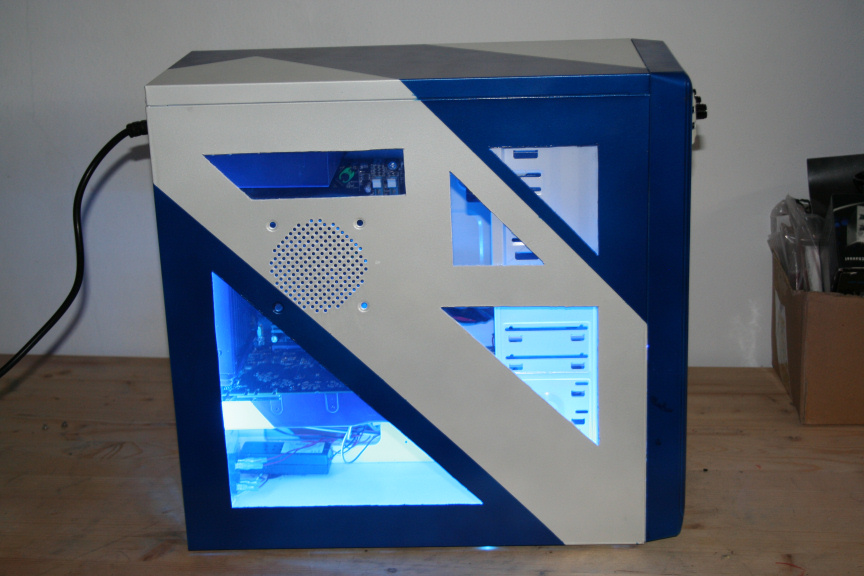
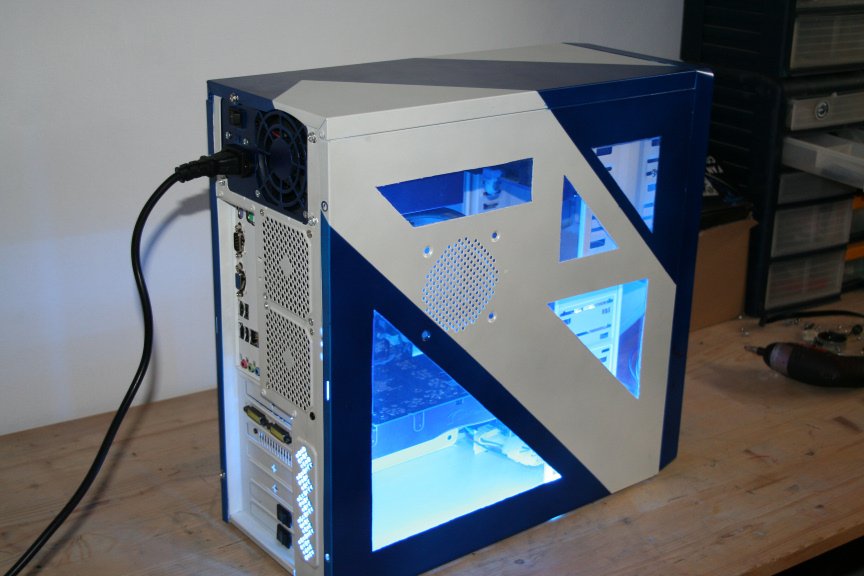
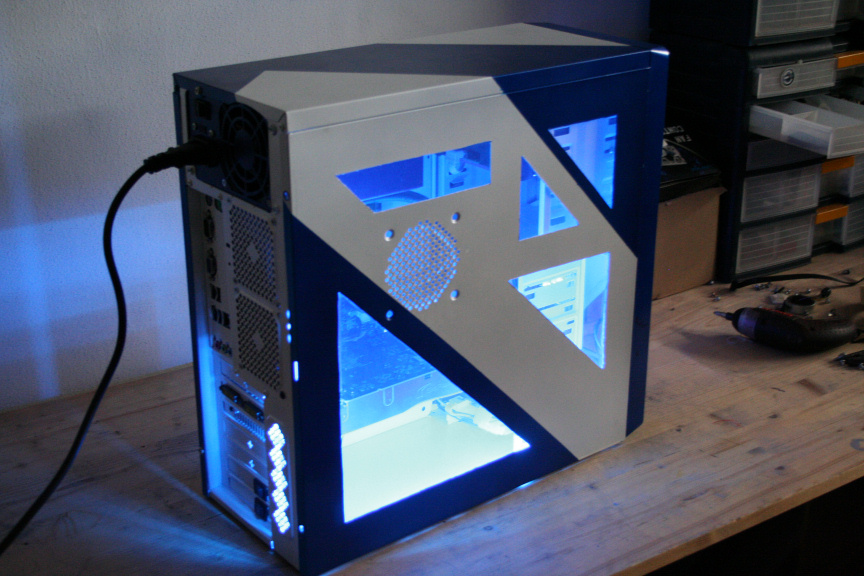
                          And here guys is the final post of the tutorial. I´m sure some of you will have different ways of doing certain parts of such and if they work for you then that´s really what is all about, right?

                          For the rest of the people I hope this helps you with any doubts you had about doing certain things and for people that have never tried, I hope this entices you to join the fun world of customizing your PC : )

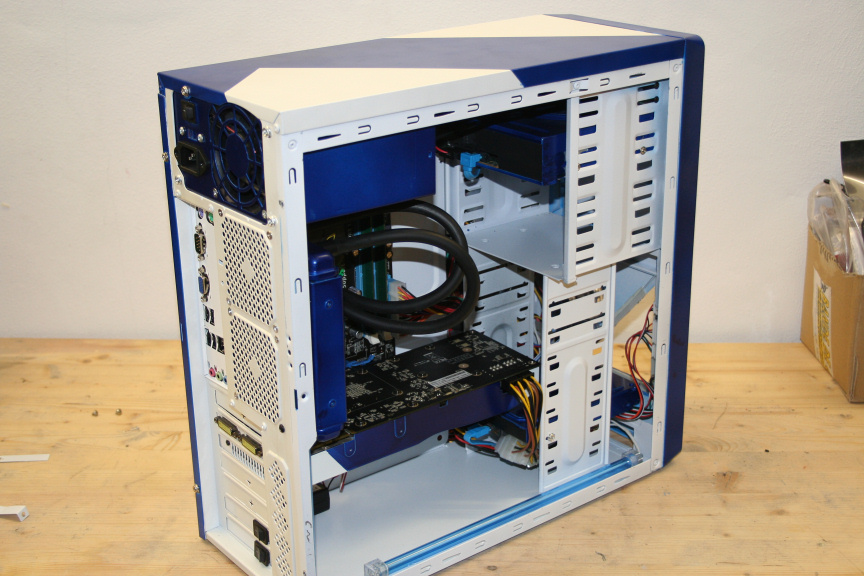
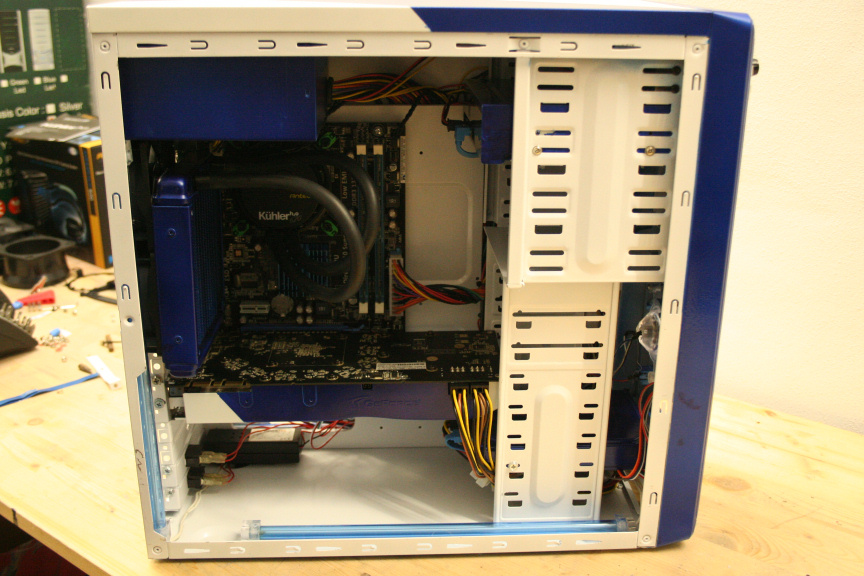
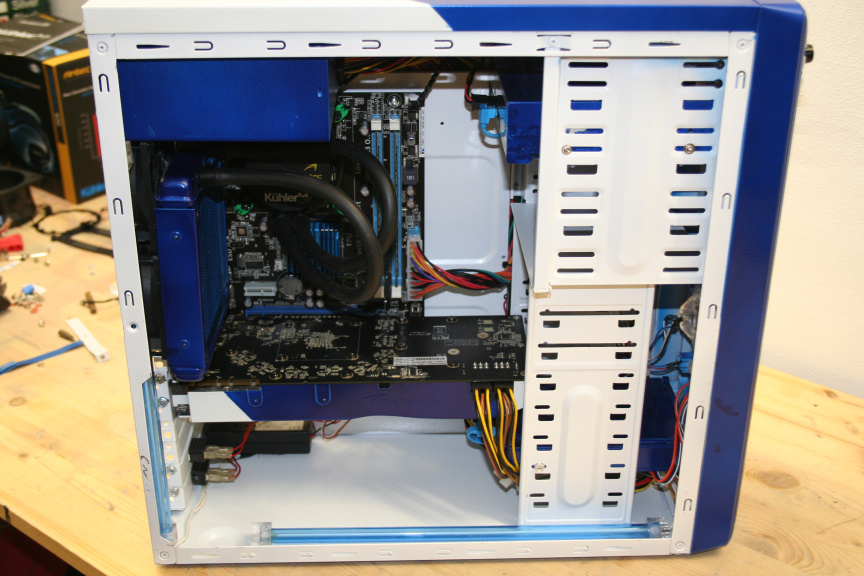
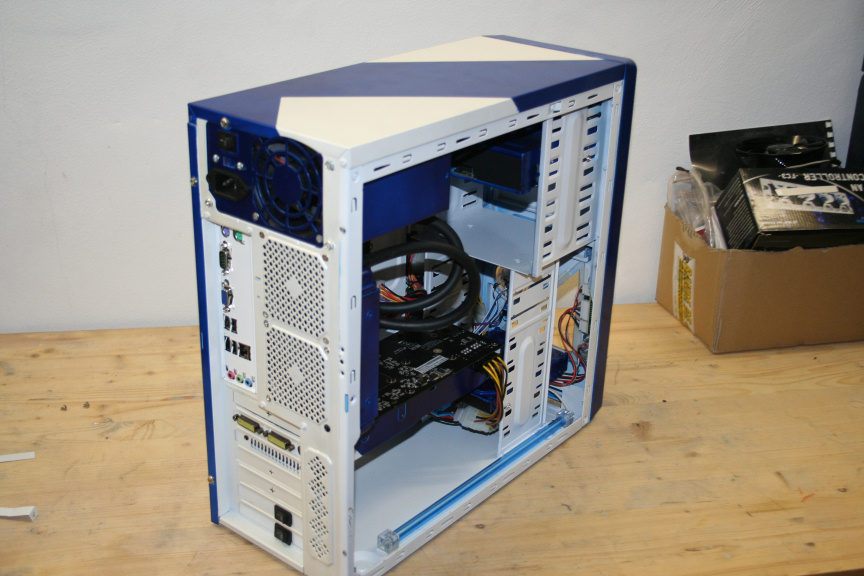
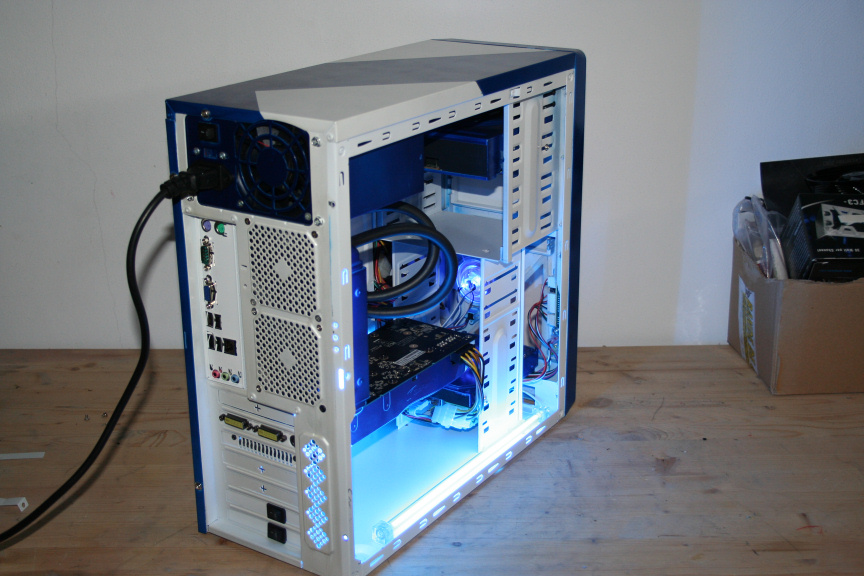
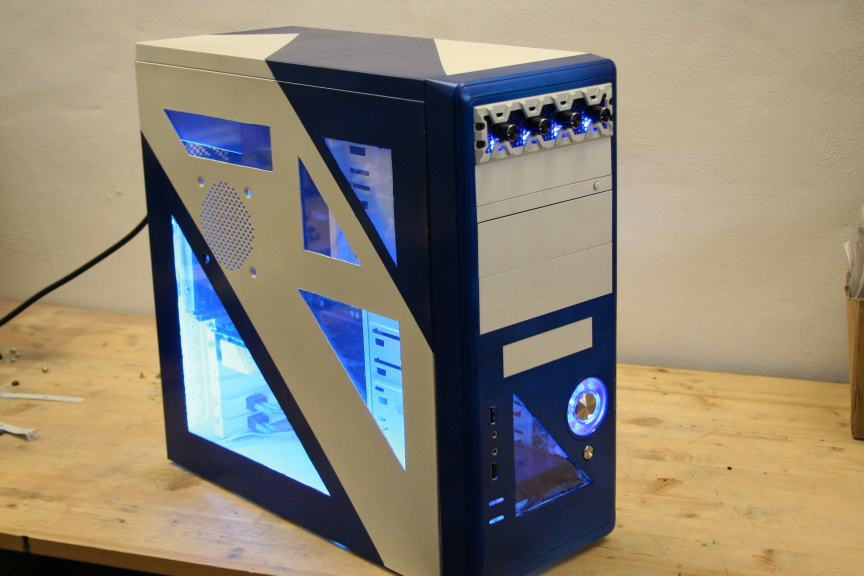
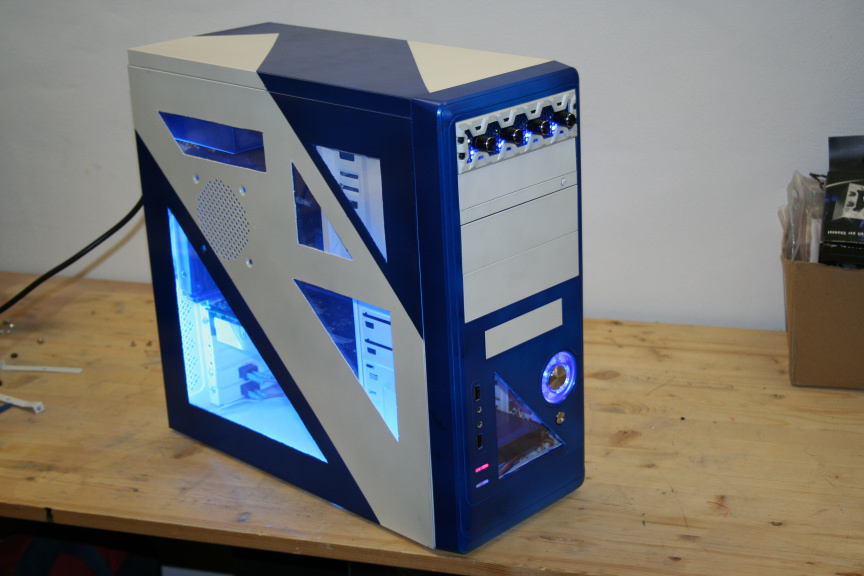
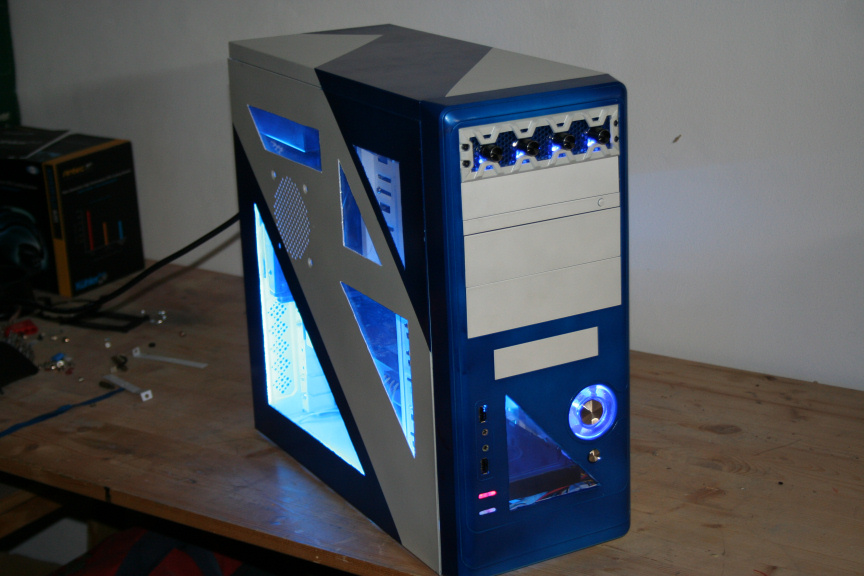
                          Following you will see a mix of pictures, each of them has a flash and non flash version (camera flash).

                          I didn´t see any point on making a tutorial on how to put all the parts togueter as I assume that if you attempt pc customizing you know the basics on how to put one togueter.

                          Thank you for reading and I hope you´ve enjoyed it. Once again I´d like to thank this project´s sponsors; Lamptron, Antec, B-Move & Benchmarkhardware.com
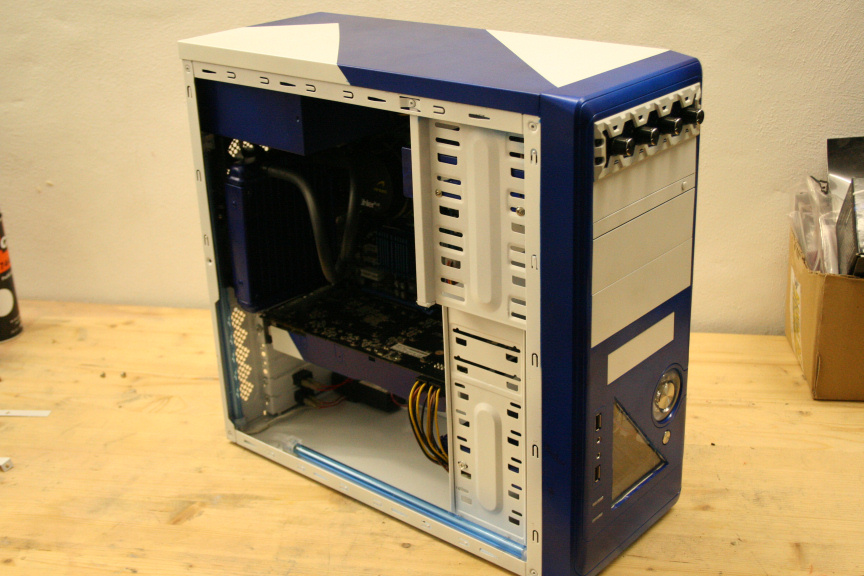
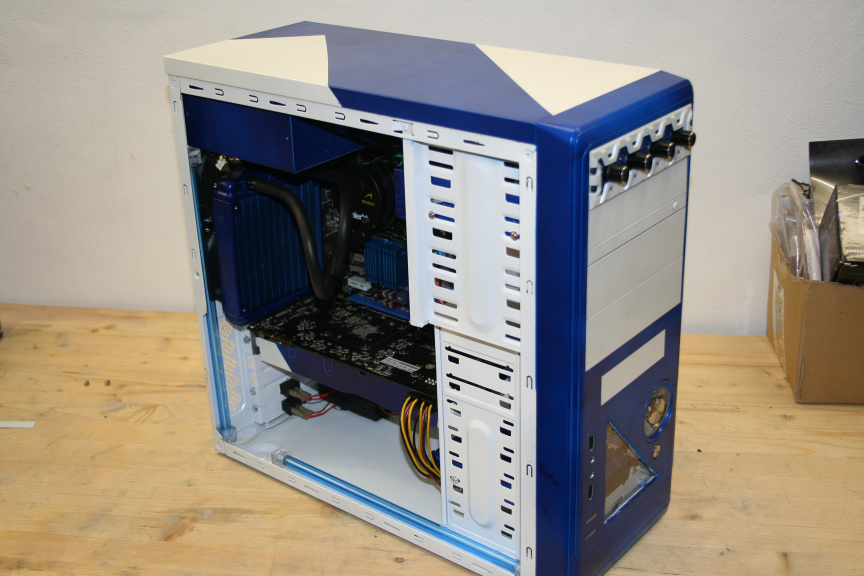
                          41.JPG

                          42.JPG

                          43.JPG

                          44.JPG

                          45.JPG

                          46.JPG

                          47.JPG

                          48.JPG

                          49.JPG

                          50.JPG

                          51.JPG

                          52.JPG

                          53.JPG

                          54.JPG

                          55.JPG

                          56.JPG

                          57.JPG

                          58.JPG

                          59.JPG

                          60.JPG

                          61.JPG

                          62.JPG

                          63.JPG

                          64.JPG

                          65.JPG

                          66.JPG

                          67.JPG

                          1 Risposta Ultima Risposta
                          0

                          Ciao! Sembra che tu sia interessato a questa conversazione, ma non hai ancora un account.

                          Stanco di dover scorrere gli stessi post a ogni visita? Quando registri un account, tornerai sempre esattamente dove eri rimasto e potrai scegliere di essere avvisato delle nuove risposte (tramite email o notifica push). Potrai anche salvare segnalibri e votare i post per mostrare il tuo apprezzamento agli altri membri della comunità.

                          Con il tuo contributo, questo post potrebbe essere ancora migliore 💗

                          Registrati Accedi
                          Rispondi
                          • Risposta alla discussione
                          Effettua l'accesso per rispondere
                          • Da Vecchi a Nuovi
                          • Da Nuovi a Vecchi
                          • Più Voti


                          • Accedi

                          • Non hai un account? Registrati

                          • Accedi o registrati per effettuare la ricerca.
                          Powered by NodeBB Contributors
                          • Primo post
                            Ultimo post
                          0
                          • Categorie
                          • Recenti
                          • Tag
                          • Popolare
                          • Utenti
                          • Gruppi